

Company Hours
From the Company menu of Softvision Agenda, under the "Company Hours" section, you can specify during which hours of the week the system can accept appointments.
In addition to opening hours, it is possible to indicate any periods when the company is closed (for example, for holidays or vacations). For each of these periods, you must indicate the start and end date and time.
Naturally, there is also the possibility to specify a closing period corresponding to part of a day (for example, afternoon closure on a specific day) by indicating the same day as the start and end period but with different times.
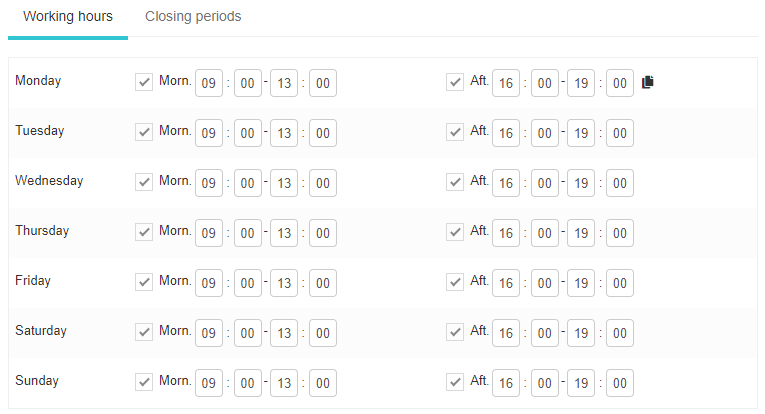
The hours described above refer to the entire company, but it is also possible to indicate the availability or unavailability hours of specific resources, locations or staff members.
For example, if a staff member is assigned working hours that are shorter than the company's, the system will not allow the booking of appointments requiring that specific operator outside of those working hours.